
Outbound sales automation
Outbound Sales Automation That Scales Research, Not Spam
We build outbound workflows in Clay, Apollo, HubSpot and your sending tools, with AI handling research and first drafts, so your team reaches more right-fit buyers with less manual work.
Quick answer
What are Codefreex outbound sales automation services?
Codefreex outbound sales automation services design and build the systems that run prospecting at scale. Codefreex connects list sourcing, waterfall enrichment, AI research and personalization, email and LinkedIn sequencing, reply classification and CRM sync using tools such as Clay, Apollo.io, HubSpot, Salesforce, Make and Prosyo, with human review steps that keep every message accurate and on brand.
540+
Projects delivered
9+
Years in business
23+
Certified experts


Trusted by 540+ growing businesses worldwide











Outbound Sales Automation
Your reps should sell, not copy and paste
- 540+projects delivered
- 9+years in business
- 23+certified experts
A senior strategist replies within one business day.
Outbound involves a surprising amount of repetitive work. Reps export lists, look up emails, check websites and LinkedIn for something worth mentioning, paste contacts into a sequencing tool, then copy replies back into the CRM. Each step is small, but together they eat most of a week. Meanwhile, tools pile up without talking to each other, data drifts out of sync and nobody is quite sure which system holds the truth.
Codefreex automates the repetitive parts and keeps people in charge of judgment. We map your current outbound process, then build workflows that source and enrich accounts in Clay or Apollo, research each prospect with AI, draft personalized openers for review, enroll contacts in the right sequence and sync every reply and meeting to HubSpot, Salesforce or Zoho CRM. As a Make Partner, we also connect the tools that lack a native integration.
What you get
Outbound automation we build
Each workflow removes manual steps between finding a prospect and booking a meeting, while your team stays in control of what gets sent.
Clay Enrichment Workflows
Clay tables source accounts, run waterfall enrichment across several providers, verify emails and score each record against your ICP, so lists arrive ready for outreach instead of needing cleanup.
AI Research and Personalization
AI agents read company websites, job posts, news and recent LinkedIn activity, then draft relevant first lines and talking points that your team reviews before anything is sent.
Sequencing and Sending Setup
We configure Apollo, HubSpot sequences, Instantly, Smartlead or Prosyo with sensible sending limits, multichannel steps and rules that stop every follow-up as soon as a prospect replies.
Reply Classification and Routing
AI sorts replies into interested, not now, wrong person and unsubscribe, then routes each one to the right rep, sequence or suppression list with an alert in Slack or your CRM.
CRM Sync and Data Hygiene
Contacts, activities, replies and meetings sync to HubSpot, Salesforce or Zoho CRM automatically, with deduplication, ownership rules and field mapping that keep pipeline reports accurate.
Documentation and Handover
Every workflow is documented, tested and built in accounts you own, with training for your team and clear notes on costs, limits and where human review is required.
Platforms and tools we work with
How we work
How we build your outbound automation
Clear phases, a named owner for every deliverable and weekly progress you can see.
Map the current process
We document how your team finds, researches, contacts and follows up with prospects today, then identify the steps that cost the most time or cause errors.
Design the stack and workflows
We choose tools around your existing CRM, design data flows, enrichment logic, AI prompts and review steps, and agree on what stays manual.
Build and test
Workflows are built in your accounts and tested on real records. AI output is checked against sample prospects in each segment before anything reaches a live sequence.
Launch, train and improve
We launch at a controlled volume, train your team, document every workflow and monitor results, refining prompts, scoring and routing as data comes in.
Who it is for
Teams that automate outbound with us
SDR teams buried in admin
Sales development teams spending more time on research, data entry and list cleanup than on conversations with prospects.
Founders and small sales teams
Lean teams that need a researched, personalized outbound motion without hiring several reps to run it by hand.
RevOps and growth teams
Operations teams consolidating disconnected sales tools into one reliable workflow with clean CRM data and reporting they can trust.
Agencies running client outreach
Lead generation agencies that need repeatable, documented workflows for sourcing, enrichment and sequencing across several client accounts.
Why teams switch to us
Thoughtful automation vs tool sprawl
Typical agency
- More tools bought, none connected properly
- AI messages sent without human review
- Volume raised until domains burn out
- Workflows nobody can maintain after launch
 Codefreex
- A lean stack built around your CRM
- AI drafts with tested prompts and review steps
- Safe sending limits on every channel
- Documented workflows your team owns
Buyer guide
Outbound sales automation: a buyer’s guide
Automation can make outbound faster and more relevant, or it can send bad messages to more people faster. This guide covers what to automate, the tools involved, where AI helps and how to keep quality high.
What outbound sales automation covers
Outbound sales automation connects the steps between identifying a prospect and booking a meeting. A typical workflow sources accounts that match your ideal customer profile, finds the right contacts, enriches and verifies their details, researches each one, drafts personalized messages, enrolls them in an email and LinkedIn sequence, classifies replies and logs everything in the CRM. Each step can be manual, automated or a mix, depending on volume and how much judgment it requires.
The goal is not to remove people from selling. It is to remove the copying, pasting and searching that keeps reps away from conversations. Good automation also makes outbound more consistent: every prospect gets researched the same way, follow-ups never get forgotten and replies reach the right owner quickly. Poor automation does the opposite and multiplies mistakes, so design and testing matter more than the number of tools involved.
Clay, Apollo, HubSpot and the modern outbound stack
Most outbound stacks combine a few kinds of tools. Data and enrichment platforms such as Clay and Apollo.io find accounts and contacts and add the details outreach needs. Sequencing tools such as Apollo, HubSpot sequences, Instantly, Smartlead or Prosyo send the emails and LinkedIn steps. The CRM, often HubSpot, Salesforce or Zoho CRM, stores the record of truth. Integration tools such as Make, n8n or Zapier connect anything without a native integration.
Clay has become popular because it can query many data providers in one table, run AI research on each row and push results into other tools. Apollo combines a large contact database with built-in sequencing, which suits teams that want fewer tools. HubSpot keeps sales and marketing data together. The right stack depends on your volume, budget and existing systems. Start with the CRM you already use and add only what removes real manual work.
Where AI personalization helps and where it doesn’t
AI is useful for research and first drafts. It can summarize a company’s website, spot a relevant job post or funding announcement, read a prospect’s recent posts and suggest an opening line that connects that context to your offer. Done well, this produces messages that read as if someone did their homework, at a volume no team could research by hand. It also classifies replies and drafts responses, which shortens the time it takes to answer interested prospects.
AI also makes confident mistakes. It can misread a job title, invent a detail or produce flattering lines that sound automated. Build in guardrails: limit AI to verified source data, use prompts tested on real examples, review samples from every segment before launch and keep a person approving messages for high-value accounts. Avoid personalization that feels invasive. The best first lines are relevant to the prospect’s work, not proof that a tool scraped their profile.
Deliverability, compliance and safe limits
Automation makes it easy to send more, which is exactly what damages sender reputation. Sending domains need SPF, DKIM and DMARC, mailboxes need warm-up, lists need verification and volume per mailbox should stay conservative. On LinkedIn, activity should run from your own account at a human pace, since the platform limits connection requests and restricts third-party automation in its User Agreement. A reply on any channel should stop every remaining step.
Automated outreach must follow the same laws as manual outreach. Cold email requires accurate sender details, a relevant business reason and an easy opt-out under rules such as CAN-SPAM in the US, GDPR and PECR in Europe and the UK, and CASL in Canada. Opt-outs should sync to every tool in the stack, so someone who unsubscribes in one place is never contacted from another. Your legal team should approve the overall approach.
Cost, timelines and choosing a partner
The cost of outbound sales automation depends on how many workflows you need, the tools already in place, data and AI usage volumes, the complexity of CRM integration and whether you want ongoing management or a handover. Tool subscriptions and data credits are billed by each vendor. Codefreex scopes each build after a free 30-minute discovery call and sends a written estimate within one business day. A focused first workflow can often go live within a few weeks.
When comparing partners, ask to see workflows they have built and how they test AI output before it reaches prospects. Ask who owns the accounts, data and documentation when the project ends, and how they monitor workflows that break when a vendor changes an API. Be wary of anyone promising more meetings simply by sending more. A good partner will automate the process you have already proven, then scale it carefully.
Selected work
Proof from real projects
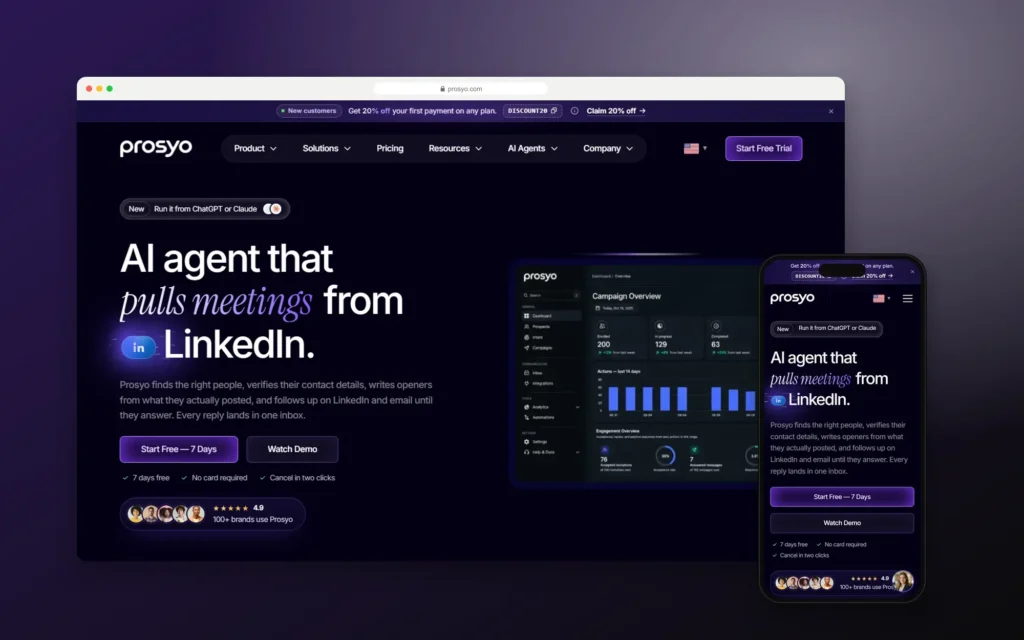
Prosyo – Building an AI LinkedIn and Email Outreach Platform Run from Chat
Codefreex built Prosyo, an AI outreach platform that runs LinkedIn and email prospecting in one campaign and can…
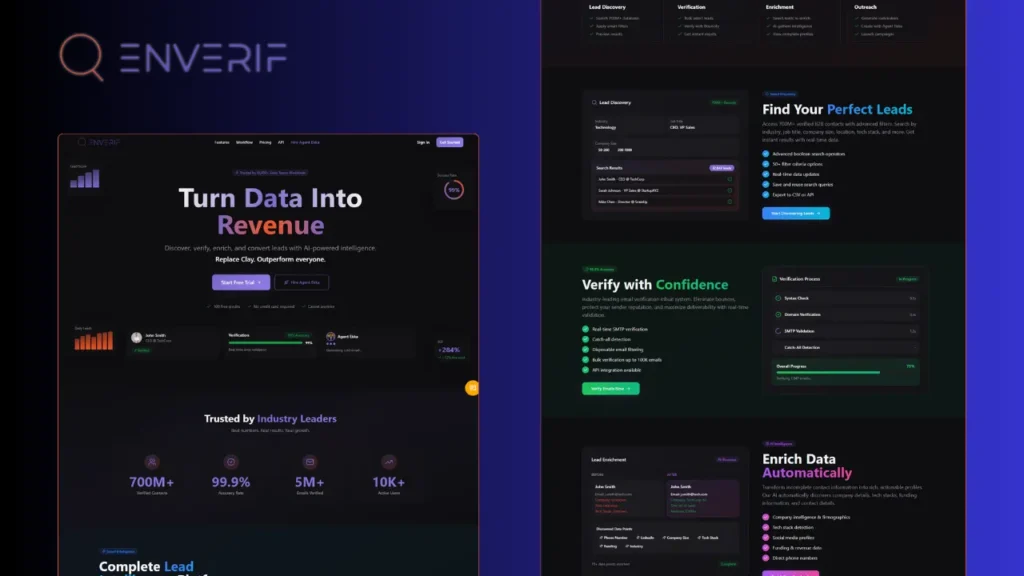 4.8x faster lead processing
Enverif – AI-Powered Lead Intelligence for Outperforming Sales Teams
Codefreex built Enverif, an AI-powered lead intelligence platform for B2B sales teams. It combines 700M+ verified contacts, real-time…
Client stories
Hear it from our clients
Real founders and teams on what it is like to build with Codefreex.


FAQ
Outbound Sales Automation: FAQs
Straight answers to what buyers ask us most. Still unsure? Book a free 30-minute call.
How much do outbound sales automation services cost?
Outbound sales automation cost depends on the number of workflows, the tools you already use, data and AI usage volumes, CRM integration complexity and whether you want ongoing management or a handover. Clay, Apollo, sequencing tools and AI models are billed by their vendors. Codefreex scopes each build after a free 30-minute discovery call and sends a written estimate within one business day.
What is Clay and why do outbound teams use it?
Clay is a data enrichment and workflow platform that pulls information from many data providers into one table. Outbound teams use it to run waterfall enrichment, verify emails, research each prospect with AI and push results into sequencing tools and CRMs. It replaces many manual lookups. Codefreex builds and documents Clay workflows in your own account, so your team can run and adjust them.
Can AI write our cold emails?
AI can research prospects and write strong first drafts, but people should stay in control of what gets sent. We use AI to summarize company context, spot relevant triggers and draft openers from verified data, then review samples from each segment before launch. High-value accounts get human approval on every message. This keeps outreach relevant at scale without the generic or inaccurate lines that hurt your brand.
What is the difference between outbound sales automation and marketing automation?
Outbound sales automation runs prospecting: sourcing and enriching contacts, personalizing outreach, sequencing email and LinkedIn steps and routing replies. Marketing automation nurtures leads who already know you, through scoring, lifecycle email and CRM workflows. The two meet in your CRM. Codefreex offers both, and we often connect them so outbound prospects who are not ready to buy move into nurture.
Will automation hurt our email deliverability or LinkedIn account?
Not when it respects safe limits. Problems come from automation that sends too much, too fast, to unverified lists. We authenticate sending domains, warm up mailboxes, verify every list and keep daily volumes conservative. LinkedIn activity runs from your own account at a human pace, and a reply on any channel stops all remaining follow-ups automatically.
Which CRMs do you integrate with?
We integrate outbound workflows with HubSpot, Salesforce and Zoho CRM most often, and with other CRMs that offer an API. Contacts, activities, replies and meetings sync automatically with deduplication and ownership rules. Codefreex is a Salesforce Partner, Zoho Authorized Partner and Make Partner, and we use Make, n8n or Zapier when a tool has no native integration.
Do we own the workflows you build?
Yes. We build workflows in accounts your company owns, document how each one works and train your team to run and adjust them. If you later move to another provider or bring the work fully onto your own team, everything stays with you. We can also keep managing and improving the workflows on an ongoing basis if you prefer.
Can you automate outreach with Prosyo?
Yes. Prosyo is Codefreex’s own AI LinkedIn and email outreach platform. It finds and verifies prospects, warms them up on LinkedIn, drafts openers from their posts, runs multichannel sequences and collects every reply in one inbox, and you can control it from ChatGPT or Claude. We use it where it fits your process, alongside Clay, Apollo or your CRM, and you do not need it to work with us.
Free estimate
Automate the busywork in your outbound
Book a free 30-minute call. We’ll map your outbound process and show which steps to automate first.
- A senior strategist reviews your request, not a sales bot
- Clear scope, timeline and estimate within one business day
- Free 30-minute discovery call, no obligation
- NDA available on request
- Emailhello@codefreex.com
- CallUSA +1 (209) 375-3475 · India +91 790 3375 530
- Prefer to talk?Book a 30-minute call
Keep exploring
Related services
Marketing Automation
We connect lead capture, scoring, nurture flows and lifecycle email and SMS to your CRM, using HubSpot, Klaviyo, Salesforce, Zoho, Make, Zapier or n8n, so every lead gets timely follow-up.
ExploreCold Email Marketing
A fully managed B2B outreach service from Codefreex: we define your ideal customer, build verified lists, write personalized sequences, protect deliverability and turn positive replies into booked meetings.
ExploreHubSpot Implementation
We set up HubSpot CRM and onboard Marketing, Sales and Service Hub with clean pipelines, lifecycle stages, workflows, tracking and dashboards, then migrate your data and keep the portal tidy.
Explore