
WordPress plugin
LinkTender – Broken Link Checker, Local & Lightweight
Lightweight broken link checker: find and fix dead links, 404s and broken images on your own server. No cloud, no account, no link limits.
- Active installs
- 10+
- Version
- 1.2.0
- Last updated
- Oct 23, 2026
- Tested up to
- WordPress 7.1.5
- Requires
- WP 6.2 · PHP 7.4
Health check
Is LinkTender – Broken Link Checker, Local & Lightweight safe to rely on?
Our reading of the public WordPress.org data: maintenance, compatibility, ratings and support.
Actively maintained
Last updated on October 23, 2026. Regular updates usually mean bugs and security reports get fixed.
Tested with current WordPress
The author has tested it up to WordPress 7.1.5.
Requires PHP 7.4 or newer
Check your hosting PHP version before installing. Modern PHP is faster and receives security fixes.
Rank tracker
Where LinkTender ranks in WordPress.org search
Its position in WordPress.org plugin search for its tags and name, refreshed weekly so you can see how its visibility changes.
| Keyword | Position | Change | Trend | Current #1 |
|---|---|---|---|---|
| 404 | ||||
| broken link checker | ||||
| broken links | ||||
| dead links | ||||
| link checker | ||||
| linktender |
Checked against the top 100 WordPress.org search results.
Overview
What LinkTender – Broken Link Checker, Local & Lightweight does
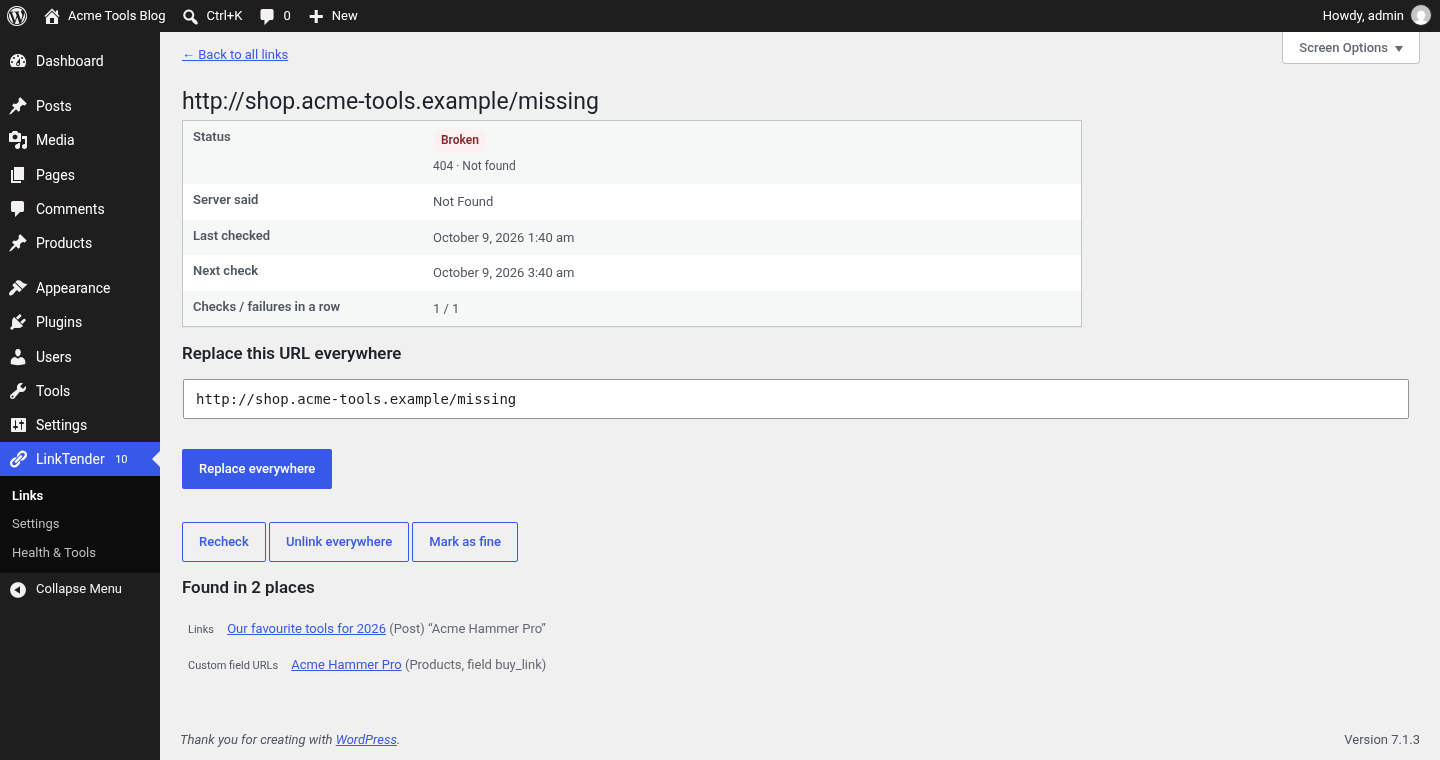
LinkTender is a free, lightweight broken link checker for WordPress. It finds dead links, 404 errors, redirects and broken images in your posts, pages, menus, widgets, comments and custom fields, and lets you fix them in one click.
Unlike link checkers that send your URLs to a cloud service or cap free scans, LinkTender checks every link from your own server, in small, throttled background batches built to stay light on shared and managed hosting. No account, no API key, no monthly quota.
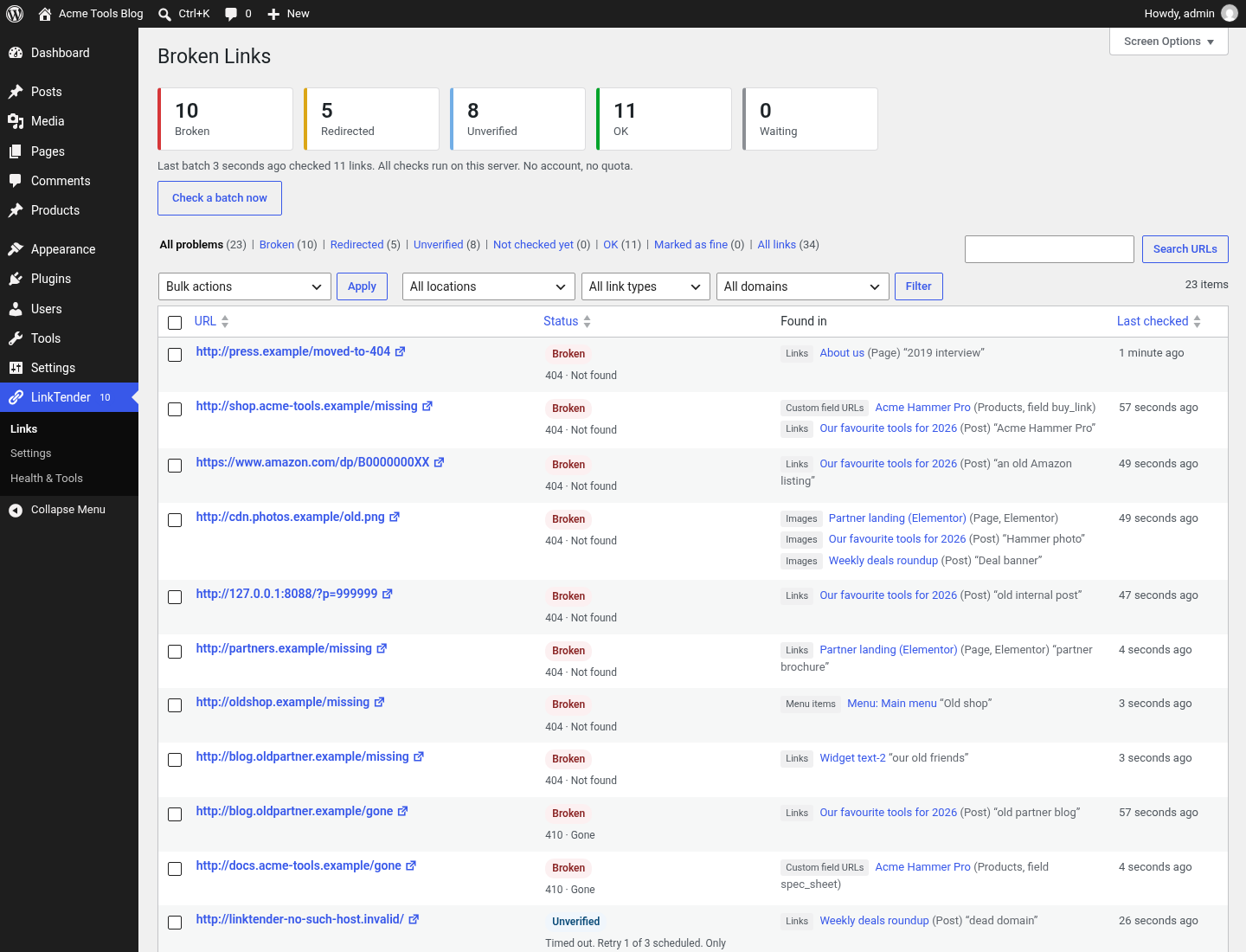
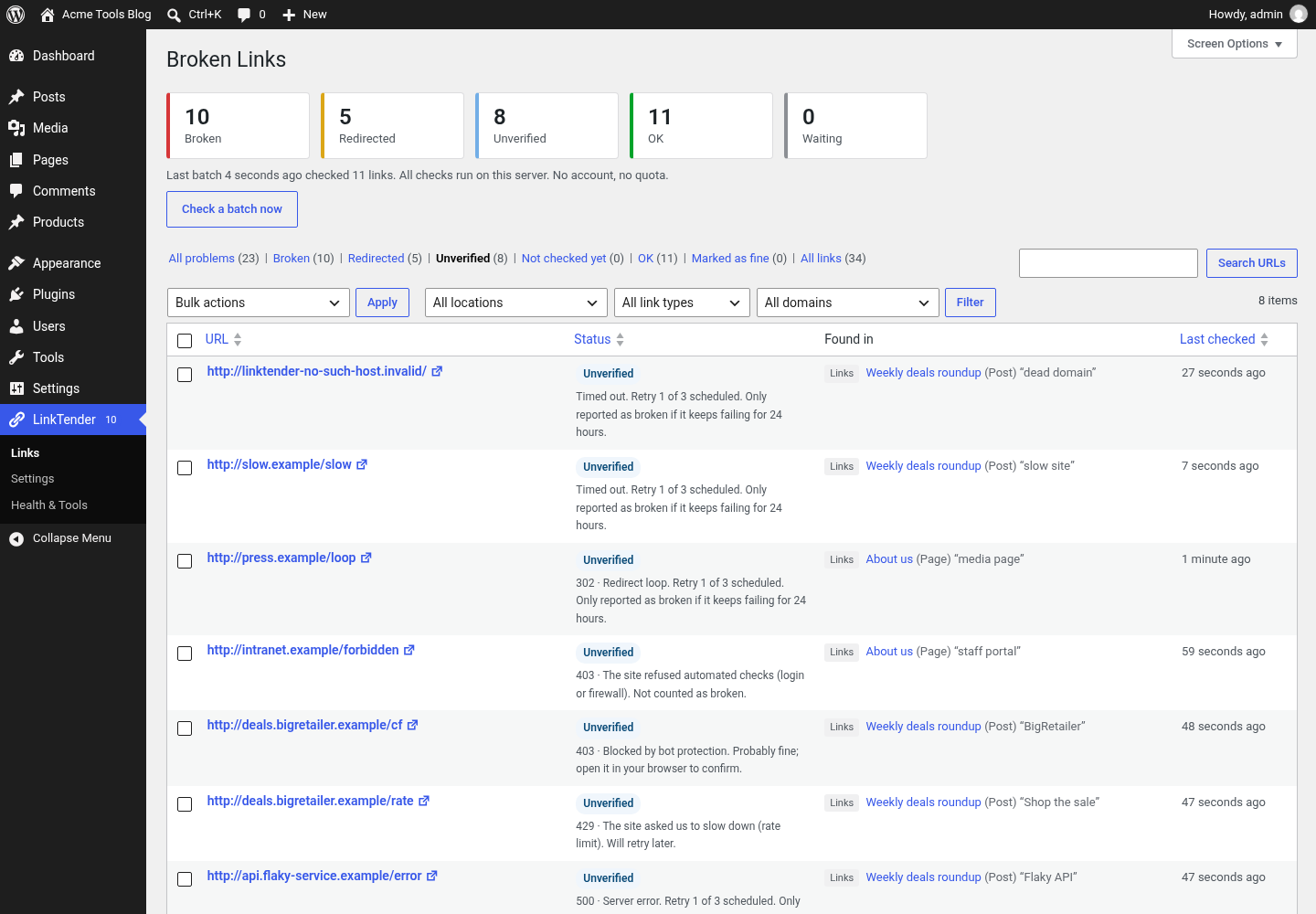
Each link is listed as broken, redirected or unverified (when a site blocks automated requests), with a clear reason. Your content is not sent to any outside service.
How link results are decided
A link is marked Broken when the server answers 404 (Not Found) or 410 (Gone). The result is re-checked over the next 24 hours.
Temporary problems (timeouts, 5xx server errors, DNS or connection failures) are retried three times over 24 hours (after 2, 10 and 24 hours). The link is marked Broken only if it still fails after the last retry.
When a site blocks automated requests, the link is marked Unverified instead of Broken. This covers bot challenge pages (for example Cloudflare or Amazon’s captcha page), 401, 403 and 429 answers, and the 400 and 999 codes that Facebook and LinkedIn return to automated requests. You can open these links in your browser and click Ignore if they work.
Description from the author's listing. Read the full listing on WordPress.org
Screenshots
LinkTender – Broken Link Checker, Local & Lightweight in action
FAQ
LinkTender – Broken Link Checker, Local & Lightweight: questions and answers
What is LinkTender – Broken Link Checker, Local & Lightweight?
LinkTender – Broken Link Checker, Local & Lightweight is a WordPress plugin by linktender. Lightweight broken link checker: find and fix dead links, 404s and broken images on your own server. No cloud, no account, no link limits.
Is LinkTender – Broken Link Checker, Local & Lightweight free?
LinkTender – Broken Link Checker, Local & Lightweight is listed in the WordPress.org plugin directory, so the version there is free to download and use. Some authors also sell paid add-ons or a premium edition with more features and support.
How many websites use LinkTender – Broken Link Checker, Local & Lightweight?
WordPress.org reports 10+ active installations of LinkTender – Broken Link Checker, Local & Lightweight. That figure counts sites running the WordPress.org version and is rounded down by WordPress.org.
Is LinkTender – Broken Link Checker, Local & Lightweight still maintained?
LinkTender – Broken Link Checker, Local & Lightweight was last updated on October 23, 2026. The current version is 1.2.0. Check the changelog on WordPress.org and test updates on a staging site before applying them to a live site.
What does LinkTender – Broken Link Checker, Local & Lightweight require?
LinkTender – Broken Link Checker, Local & Lightweight requires WordPress 6.2 or newer and PHP 7.4 or newer. It has been tested up to WordPress 7.1.5.
Can Codefreex set up or customize LinkTender – Broken Link Checker, Local & Lightweight?
Yes. Codefreex installs, configures and customizes WordPress plugins including LinkTender – Broken Link Checker, Local & Lightweight, fixes conflicts and performance problems, and builds custom features when a plugin does not do exactly what you need. Send your site URL for a free review.
Free expert review
Need LinkTender – Broken Link Checker, Local & Lightweight set up, customized or fixed?
Tell us about your site and what you need this plugin to do. A senior WordPress developer replies within one business day with a plan and a quote.