

WordPress plugin
OptiCache
Comprehensive performance optimization: page caching, cache warmup, CSS/JS minification, defer/async loading, and intelligent .htaccess management.
- Active installs
- 10+
- Version
- 1.0.9
- Last updated
- Feb 12, 2026
- Tested up to
- WordPress 6.9.12
- Requires
- WP 5.8 · PHP 8.0
Health check
Is OptiCache safe to rely on?
Our reading of the public WordPress.org data: maintenance, compatibility, ratings and support.
Updated within the last year
Last updated on February 12, 2026. Test it on a staging copy before relying on it.
Not yet tested with the latest WordPress
Tested up to WordPress 6.9.12. It often still works, but check on staging first.
Requires PHP 8.0 or newer
Check your hosting PHP version before installing. Modern PHP is faster and receives security fixes.
Rank tracker
Where OptiCache ranks in WordPress.org search
Its position in WordPress.org plugin search for its tags and name, refreshed weekly so you can see how its visibility changes.
| Keyword | Position | Change | Trend | Current #1 |
|---|---|---|---|---|
| cache | ||||
| minify | ||||
| optimization | ||||
| performance | ||||
| speed | ||||
| opticache |
Checked against the top 100 WordPress.org search results.
Overview
What OptiCache does
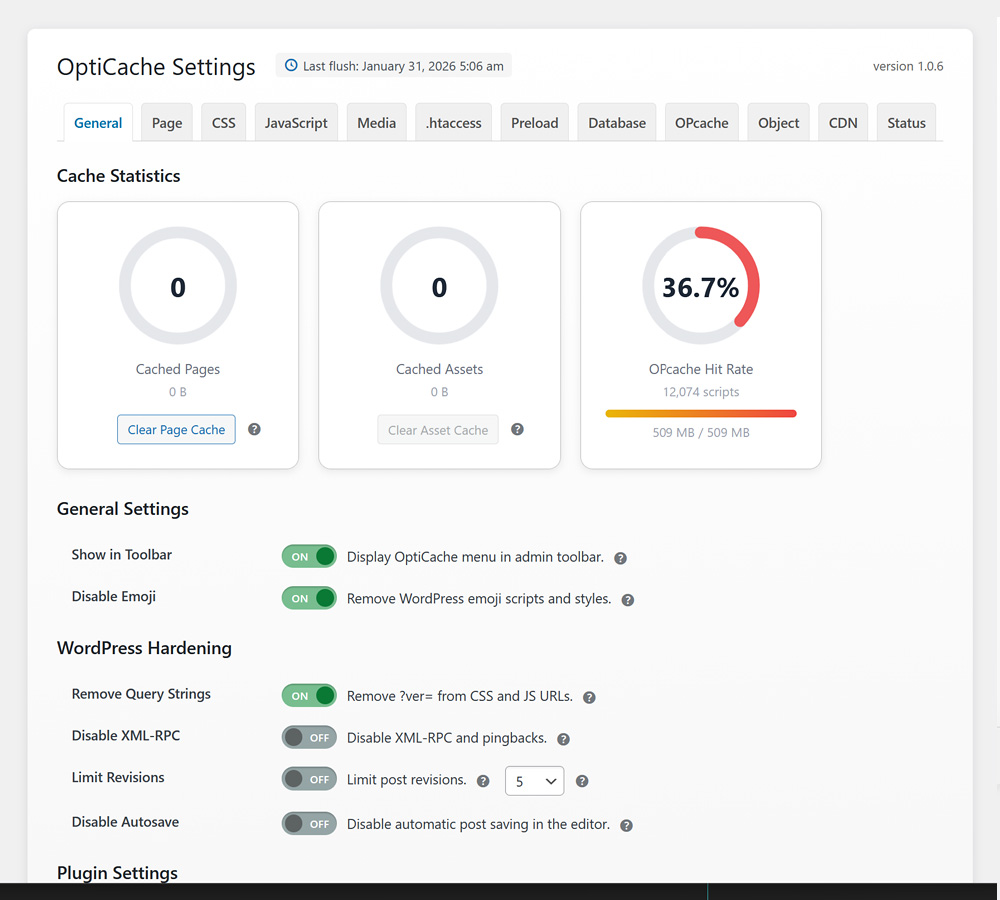
Finally, an all-in-one solution that replaces multiple performance and caching plugins, preconfigured for most users at installation.
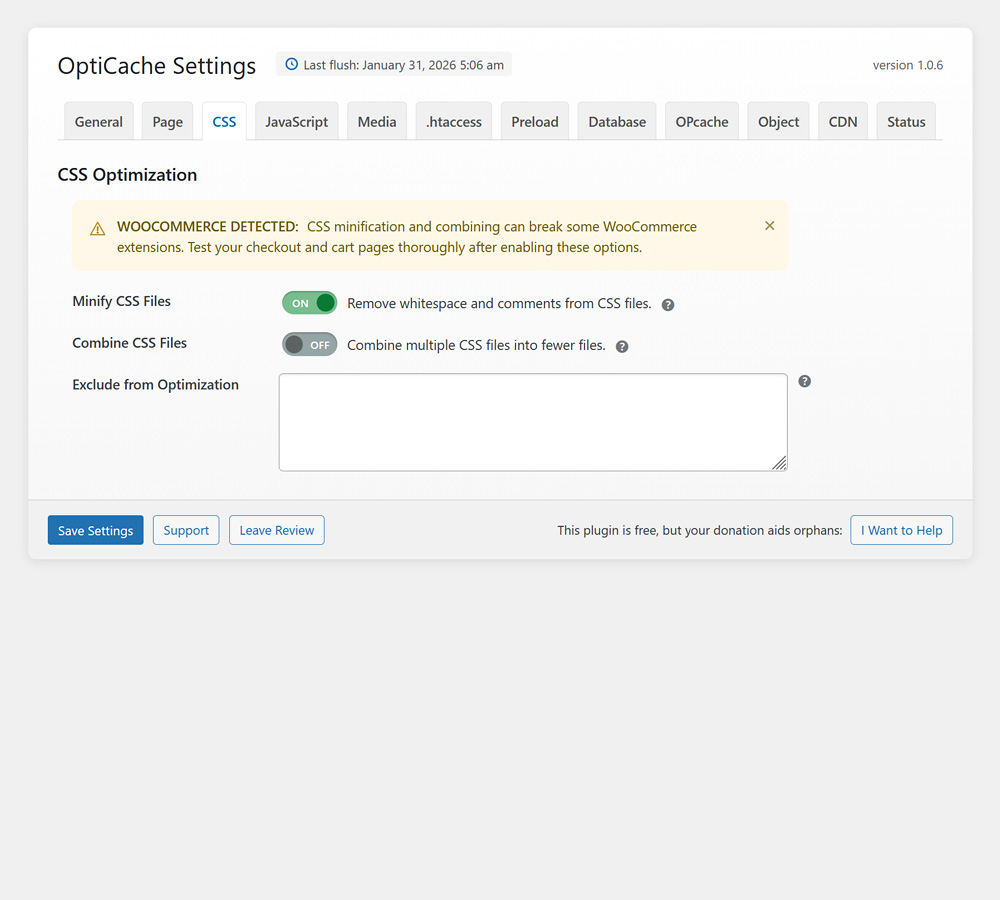
OptiCache consolidates the functionality of five or six separate plugins into one lightweight package: page caching, asset minification, lazy loading, security headers, PHP OPcache management, and object caching (Redis/Memcached). Instead of juggling multiple plugins with overlapping features and potential conflicts, OptiCache provides a unified solution with a single settings interface.
The standout feature is the intelligently generated .htaccess optimization. Most cache plugins either ignore .htaccess entirely or offer basic toggles. OptiCache generates comprehensive server rules for GZIP compression, browser caching, security headers, and file protection, while intelligently preserving existing configurations like PHP handlers and cPanel directives. Rules can be edited directly in the admin panel, and toggling any rule off and then back on restores its optimized default.
In testing, a 5.4MB WordPress page with 122 requests and over 4MB of images scored a C- after testing four competing optimization plugins. When switching to OptiCache alone in under 5 minutes, the same page achieved a GTmetrix Grade A with 93% Performance, 1.2s Largest Contentful Paint, and sub-second First Contentful Paint. These results speak for themselves.
Why Site Speed Matters
Slow websites lose visitors. Studies show that 40% of people abandon a website that takes more than 3 seconds to load. Google uses site speed as a ranking factor, meaning faster sites rank higher in search…
Description from the author's listing. Read the full listing on WordPress.org
Screenshots
OptiCache in action

FAQ
OptiCache: questions and answers
What is OptiCache?
OptiCache is a WordPress plugin by artiosmedia. Comprehensive performance optimization: page caching, cache warmup, CSS/JS minification, defer/async loading, and intelligent .htaccess management.
Is OptiCache free?
OptiCache is listed in the WordPress.org plugin directory, so the version there is free to download and use. Some authors also sell paid add-ons or a premium edition with more features and support.
How many websites use OptiCache?
WordPress.org reports 10+ active installations of OptiCache. That figure counts sites running the WordPress.org version and is rounded down by WordPress.org.
Is OptiCache still maintained?
OptiCache was last updated on February 12, 2026. The current version is 1.0.9. Check the changelog on WordPress.org and test updates on a staging site before applying them to a live site.
What does OptiCache require?
OptiCache requires WordPress 5.8 or newer and PHP 8.0 or newer. It has been tested up to WordPress 6.9.12.
Can Codefreex set up or customize OptiCache?
Yes. Codefreex installs, configures and customizes WordPress plugins including OptiCache, fixes conflicts and performance problems, and builds custom features when a plugin does not do exactly what you need. Send your site URL for a free review.
Free expert review
Need OptiCache set up, customized or fixed?
Tell us about your site and what you need this plugin to do. A senior WordPress developer replies within one business day with a plan and a quote.